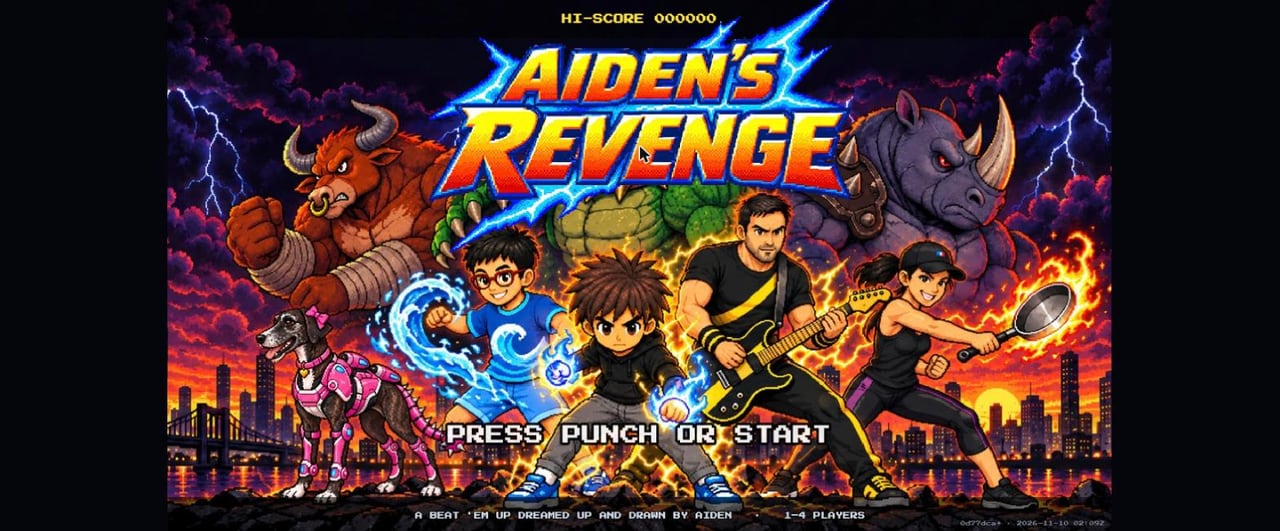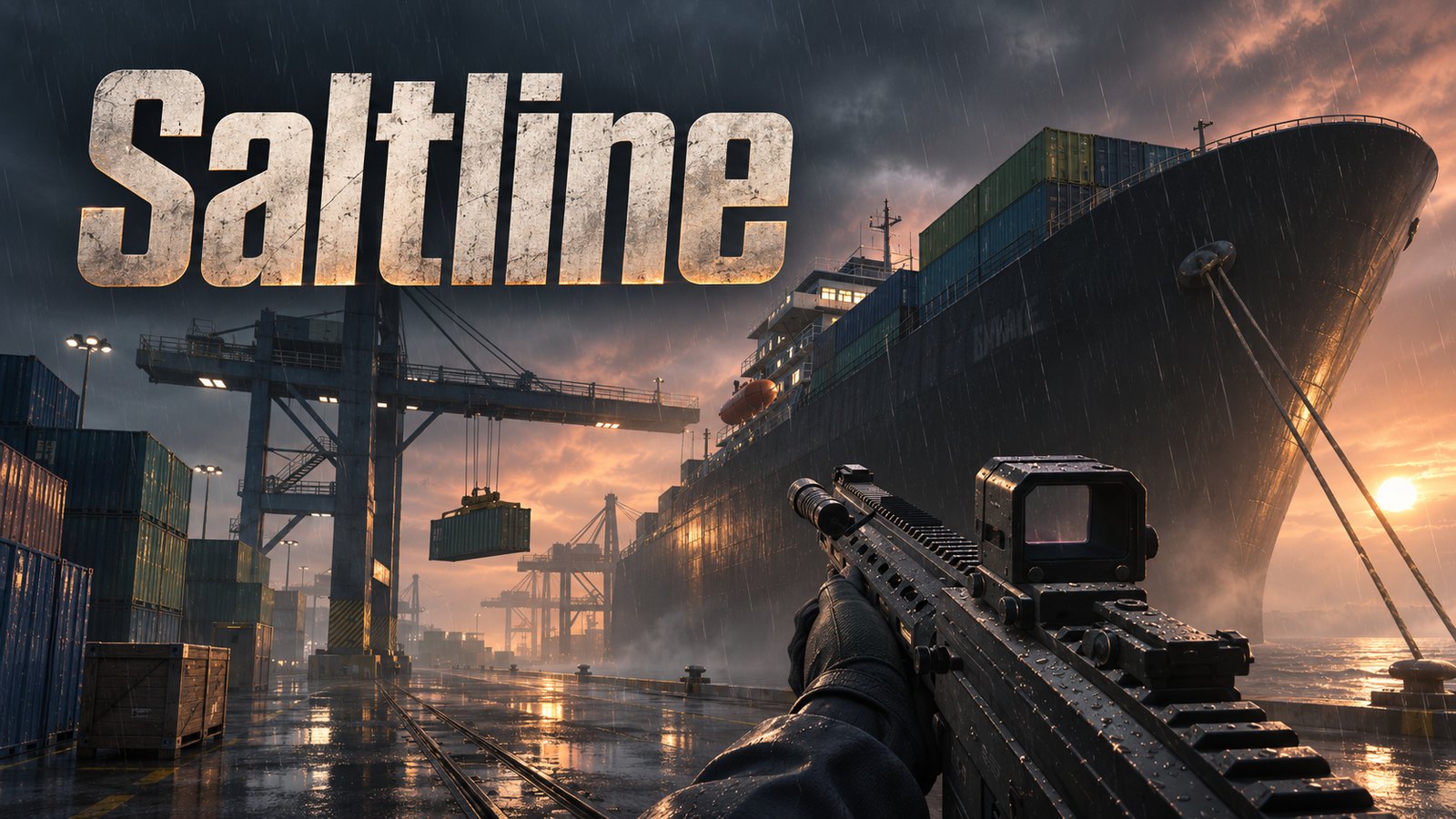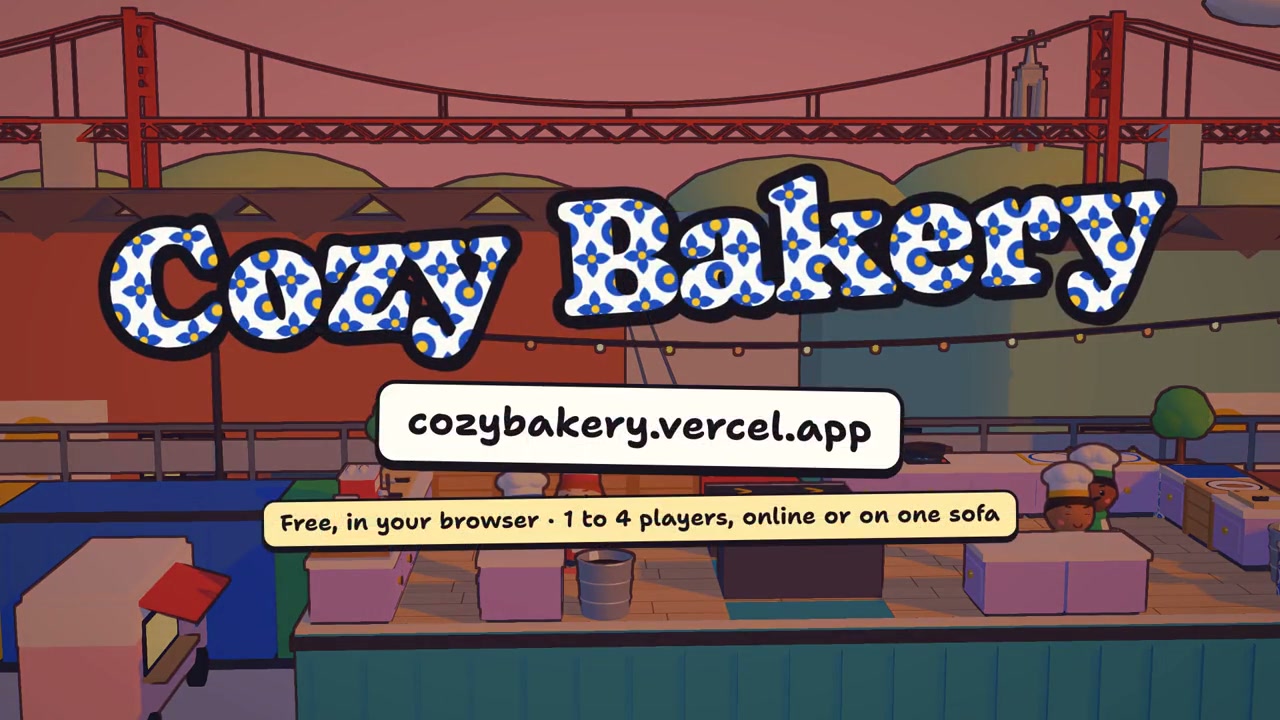
Omarchy, the Arch-based Linux setup from DHH, now has a games launcher called Game Vibes. It lists small games, each a single HTML page built with three.js, and the games you make yourself with an AI coding agent show up in the same list. The agent follows an Omarchy skill called omarchy-make-game, which ships with the system.
The change landed in the omacom/omarchy repository on 18 and 19 November 2026. Two of the new web games, Checkmate and Cards, replace the native Qt apps of the same names that Omarchy used to install. This guide covers what shipped, how the skill works, and how to add a game of your own. Every command below is copied from the repository.
What Omarchy is and who makes it
The project's README calls Omarchy "a beautiful, fun & agentic Linux distribution by DHH". The manual says it's based on Arch, the tiling window manager Hyprland and the desktop toolkit Quickshell. Since version 4.0 ("Quattro"), its bar, launcher, menus and notifications all run in one Quickshell process. The repository is omacom/omarchy, the site is omarchy.org, and the manual lives in the repo's manual/ folder.
When we checked on 21 November 2026, the repository had 47,290 stars and the newest tagged release was v4.5.0, published on 5 November 2026. Game Vibes was merged after that, so it sits on the default branch (quattro) and was not yet part of a tagged release on the day we checked.
What Game Vibes is
Game Vibes is one entry in the app launcher (Super + Space). The manual describes it as "where Omarchy's little games live". It opens full screen like a console: Super + F turns it into a window and Super + W closes it. Pick a game with the arrow keys and Enter. To come back to the list, press Esc on a game's title screen or Q while it's paused.
The list screen is drawn as a 16-bit demo-scene "cracktro" on a CRT, with copper bars, a wobbling logo and a sine scroller, all in your current theme's colours (PR #19367). Every game opens in the desktop's theme too: the launcher passes the palette to the page in the URL fragment, because a page opened from a file can't read the theme by itself.
Game Vibes lists two kinds of games:
- the ones Omarchy ships, read-only, in
$OMARCHY_PATH/default/games/vibes - yours, in
~/Games/vibes/<name>/index.html
A game of yours with the same name as a shipped one takes its place in the list.
Which games ship
The manual and the repository list four games, each in its own folder with an index.html and an icon.svg:
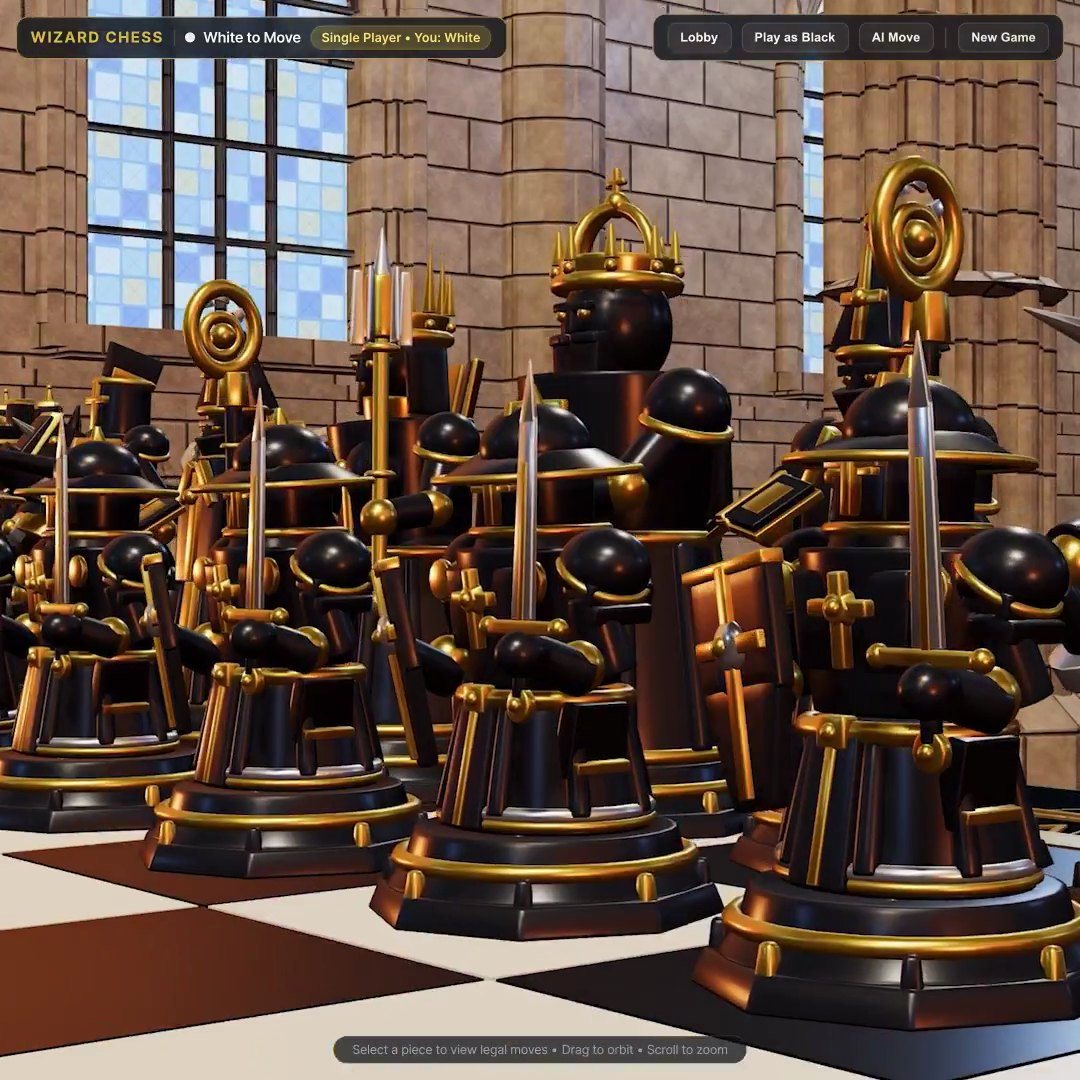
- Checkmate: 3D chess against a friend or the built-in opponent, with four sculpted sets.
- Cards: Klondike solitaire, draw three.
- Death Wish: a pixel-precise platformer of ten rooms full of spikes and saws, with wall jumps, instant respawns and best times per room. It came in PR #19366, with a
solve.jsscript that proves every room can be beaten with the game's own physics. - Neon Swarm: an arcade shooter in a neon grid.
All four load three.js 0.180.0 from the jsDelivr CDN, so, in the manual's words, "they need a connection to start".
Checkmate and Cards used to be native Qt apps. According to the commit history of PR #16308, new installs and Restore Preinstalls no longer bring those apps, while existing installs keep the ones they already have.
How the game-making skill works
Omarchy ships seven agent skills. Four of them are for making things: omarchy-make-theme, omarchy-make-plugin, omarchy-make-app and omarchy-make-game. The game skill sits in default/agents/skills/omarchy-make-game/ with two files: SKILL.md and template.html.
The template is a complete game (dodge the falling blocks) that already handles what every game needs: title screen, pause on Esc and on losing focus, game over, restart, help, sound, a saved best score, a fixed-step loop, seeded randomness, mouse picking and a camera fit. The agent replaces the game inside it and leaves the frame around it alone.
The skill walks the agent through five steps:
- Settle the game. One sentence each for the goal, controls, how you lose, the score, and what gets harder. Then a short lowercase name like
snakeortilt-maze. - Start from the template. Copy it to
~/Games/vibes/<name>/index.html, then fill in the settings, the game section, the screens and any extra keys. - Make it good. Feel, fairness, clarity, colour taken only from the theme palette, bloom in dark themes, polish.
- Check it, then look at it. The agent renders the page headless with
omarchy agent look page, presses keys like a player, looks at the screenshots in a dark and a light theme, and checks that a player can always get back to Game Vibes. - Give it an icon and open it. A 256×256
icon.svg, then the game opens in Game Vibes.
The skill also sets rules, including: one file and nothing fetched (no TextureLoader or GLTFLoader), every colour from the palette, the template's random() instead of Math.random(), and never taking Esc, P or Q for anything else.
Using it with Claude Code, Codex and other agents
Omarchy links its skills into the skill folders of several agent harnesses, so most of them pick up omarchy-make-game on their own. From the manual:
- Claude Code:
~/.claude/skills - Codex:
~/.codex/skills - Pi:
~/.pi/agent/skills - Antigravity:
~/.gemini/config/skills - Hermes:
~/.hermes/skillsand each~/.hermes/profiles/*/skills - everything else: the generic
~/.agents/skills
A skill folder of your own with the same name takes precedence.
The easiest way in is the agents icon in the top bar. Under Make something cool, choose Game and describe what you want, and Omarchy hands the task to your default agent. You pick that agent with omarchy default agent <name> or under Agent > Harness in the Omarchy Menu. The 4.0 release notes list Claude Code, Codex, OpenCode, Pi, Oh My Pi, Gemini, Grok, Copilot and Crush as choices, and SUPER + SHIFT + CTRL + A, or a in any terminal, opens the default agent.
You can also start your agent yourself and ask for a game. The skill's description lists the words it triggers on, such as "make me a game", "three.js", "snake", "breakout", "chess" and "minesweeper".
The manual warns that these skills are experimental and different models will use them to different effect. It suggests running in plan mode first and being ready to roll back, or to run omarchy reinstall configs if an agent makes a mess.
Adding your own game
With an agent. Describe a new game, as above. The agent creates the folder, works on a copy of the template, checks it and ends with:
omarchy-games-vibes-launch <name>
That opens the list straight into your game. The list is rebuilt every time Game Vibes opens, so later edits need nothing more.
By hand. These are the skill's own commands, where SKILL_DIR is the skill's folder (for example ~/.agents/skills/omarchy-make-game):
mkdir -p ~/Games/vibes/<name>
cp "$SKILL_DIR/template.html" ~/Games/vibes/<name>/index.html
Game Vibes shows the page's <title> as the game's name and its description meta as the line under it. The folder name must use lowercase letters, digits and dashes.
Changing a shipped game. Shipped games are read-only, so copy one first. Under its own name, the copy replaces the original in the list:
omarchy games vibes copy <game>
omarchy-games-vibes-copy <game> <new-name> makes a variant that sits beside the original instead.
Sharing and installing. A shared game is a git repository with index.html and icon.svg at the root, named omarchy-<name>-game. Anyone on Omarchy installs it from Install > Gaming > Game Vibes or with:
omarchy games vibes install <git-repo-url>
Update > Game Vibes Games pulls new versions of installed games, and Remove > Gaming removes one (omarchy games vibes remove snake is the example in the script). Games that ship with Omarchy can't be removed. The installer refuses to overwrite a game you made yourself, and it deletes symlinks from a cloned repository.
Licence
The README says Omarchy is released under the MIT License, and GitHub reports the repository's licence as MIT. The four shipped games, the template and the skill are all files in that repository. A game you make in ~/Games/vibes is your own file. A game someone else shares carries whatever terms its author chose, since the installer doesn't check.
FAQ
Is Game Vibes in the current Omarchy release?
Not in a tagged one when we checked on 21 November 2026. The newest tag was v4.5.0 from 5 November 2026, and Game Vibes was merged into the default quattro branch on 18 and 19 November 2026.
Which games come with Game Vibes?
Four: Checkmate (3D chess), Cards (Klondike solitaire), Death Wish (a ten-room precision platformer) and Neon Swarm (an arcade shooter).
Did Omarchy remove its Checkmate and Cards apps?
New installs no longer get the native Qt apps; the web versions in Game Vibes replace them. Machines that already had the apps keep them.
Do the games work offline?
No. They load three.js from a CDN, so they need a connection to start.
Can I use the skill with Claude Code or Codex?
Yes. Omarchy links omarchy-make-game into ~/.claude/skills and ~/.codex/skills, as well as the folders for Pi, Antigravity, Hermes and the generic ~/.agents/skills.
Where are my games saved?
In ~/Games/vibes/<name>/, as an index.html and an icon.svg.
Can I install a game someone else made?
Yes, if it's a git repository with index.html at its root: run omarchy games vibes install <git-repo-url> or use Install > Gaming > Game Vibes.
Can I use the skill outside Omarchy?
The skill expects Omarchy's commands, such as omarchy agent look page and omarchy-games-vibes-launch, so it is written for Omarchy. The template on its own is one HTML file that loads three.js from a CDN.
Sources
- Repository: github.com/omacom/omarchy and its releases
- The skill: omarchy-make-game/SKILL.md
- Manual: Game Vibes in 22-guis.md and the Omarchy skills in 17-ai.md
- Pull requests: #16308, #19366, #19367, #19414, #19420
- Commands:
bin/omarchy-games-vibes-*
The star count and release version were checked on 21 November 2026.
For more skills and MCP servers that help agents make games, see our game dev agent skills roundup, and for 3D assets, our Blender MCP guide. Made a game in Game Vibes? Submit it to VibeGamer.